
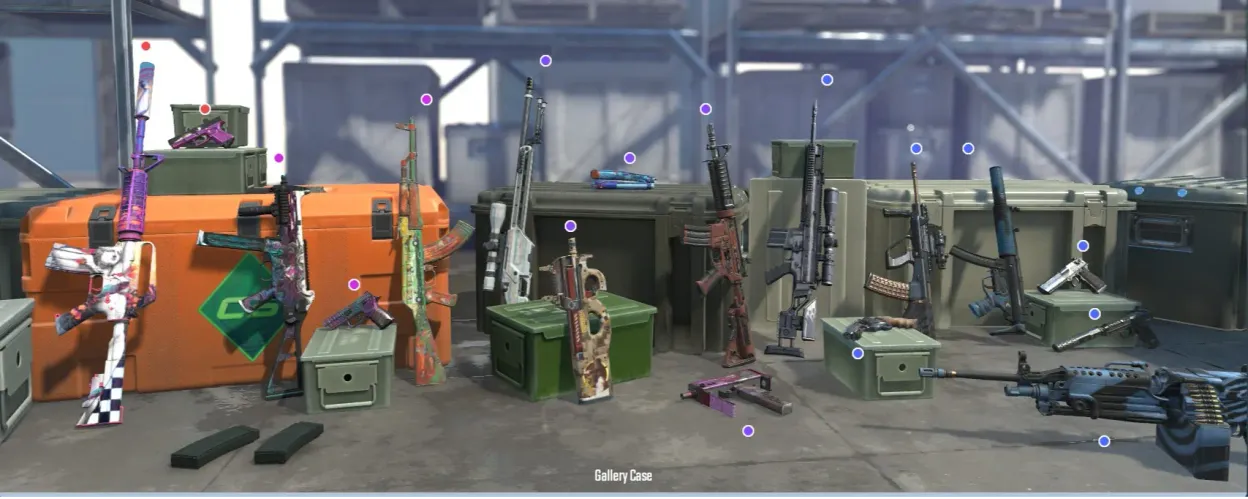
One of the most exciting aspects of Counter-Strike 2 (CS2) is the ability to buy and trade skins. Skins allow players to customize their weapons with unique designs, adding personality and style to their gameplay. While the process may seem complex at first, following these steps will make purchasing a skin in CS2 simple and enjoyable.
Why Buy Skins?
Skins are more than just cosmetic items—they allow players to express themselves in the game. They can also be valuable investments, as rare skins often appreciate in value. Knowing how to buy and collect skins can enhance your gaming experience and potentially offer some financial return.
Where to Find Skins
There are a few main platforms where you can buy skins:
- Steam Marketplace – The official marketplace for buying and selling CS2 skins.
- Trading Platforms – Third-party sites like OPSkins or BitSkins, where players exchange and sell skins.
- Forums and Communities – Players often trade or sell skins directly on gaming forums and community groups.
Setting Up Your Account
Before buying a skin, make sure you have a Steam account linked to CS2. If you plan to use a third-party site, follow these steps:
- Register on the site.
- Complete any required verifications.
- Link your Steam account to the platform.
- Ensure your account’s security settings are enabled.
Research the Market and Decide What You Want
Spend some time researching skins before making a purchase:
- Check the prices of skins you’re interested in.
- Compare prices on different platforms.
- Pay attention to skin rarity and condition.
Doing this will help you get the best deal and avoid scams.
Buying a Skin in CS2 via Steam Marketplace
If you’re using Steam, the process is straightforward:
- Open the Steam client and go to the Store section.
- Search for the skin you want.
- Click the Buy button.
- Confirm the payment.
- After the transaction, the skin will appear in your inventory.
Make sure you have sufficient funds in your Steam Wallet before purchasing.
What to Do After Buying a Skin
Once you’ve bought a skin, it’s good practice to:
- Check the skin’s condition to ensure it matches the listing.
- Save transaction information for future reference.
- Study the market demand if you plan to resell the skin.
Keeping transaction records can be helpful if issues arise with the purchase.
Ensuring Security When Buying Skins
To avoid scams, follow these security tips:
- Only buy from verified platforms or official stores.
- Check the seller’s profile if purchasing from third-party sites.
- Avoid suspicious links and deals with unknown individuals.
These steps will help keep your transactions safe.
Payment Methods
Different platforms offer various payment options, including:
- Credit cards
- Electronic wallets (PayPal, Skrill, etc.)
- Steam Wallet balance
Choose the method that works best for you.
What’s Next After Buying a Skin?
After purchasing a skin, you can:
- Use it in-game to personalize your experience.
- Collect more skins to complete your collection.
- Sell it if the market changes and the skin’s value rises.
Your choice depends on your goals and preferences.
FAQs
- What are the main ways to buy skins in CS2?
Steam Marketplace, trading platforms, and forums. - How can I ensure a safe purchase?
Research the platform, check seller profiles, and avoid suspicious deals. - What payment methods are available?
Credit cards, electronic wallets, and Steam Wallet balance. - Can I return a skin after purchase?
Returns are typically rare and depend on the platform’s policy. - How do I check a skin’s current price?
Research the market and compare prices on multiple platforms.
Now you’re ready to buy skins in CS2 safely and confidently! Enjoy the game, and may your new skins bring you both style and success.

SkinFanatic
14 November 2024Just bought my first skin through the Steam Marketplace! It was super easy, and I love the look it adds to my AK-47. Definitely going to get more! 😊
BitTrader
14 November 2024I usually buy skins on third-party sites like BitSkins – prices are sometimes lower than on Steam. Just be careful and check the seller’s profile before buying!
SecureBuyer
14 November 2024Thanks for the guide! I was a bit worried about scams, but following these tips helped me feel secure about my purchase. Managed to find a good deal on a rare skin.
ConditionChecker
14 November 2024Pro tip: always check the wear condition of the skin. I once bought a skin without checking, and it ended up being Battle-Scarred. Learned my lesson!
WalletWarrior
14 November 2024The Steam Wallet makes things so much simpler! Loaded up my balance and grabbed a couple of new skins. Now my inventory’s looking pretty sick. 🎨
ProfitHunter
14 November 2024Anyone here think skins are a good investment? I’ve heard of people making a profit, but I’m still unsure. Might hold onto my new ones just in case they go up in value. 💸