
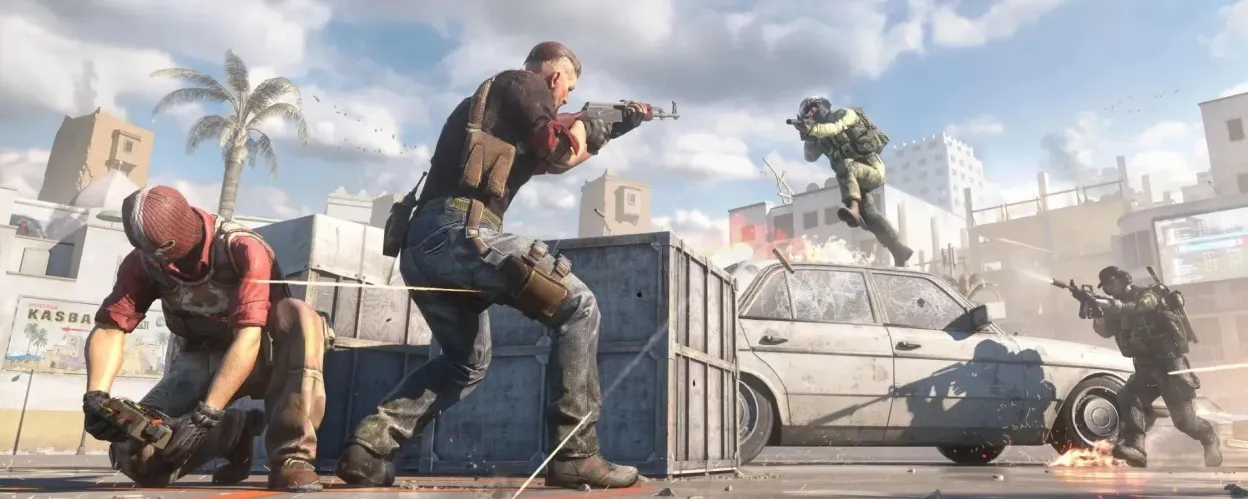
In Counter-Strike 2, players sometimes need to take action against toxic players or cheaters who ruin the gaming experience. Banning a player in CS2 helps maintain a fair and enjoyable environment. Here’s a guide on how to handle disruptive players and the methods available to remove or report them effectively.
Why Ban Players?
Banning players in CS2 may be necessary for several reasons:
- Cheating or using exploits
- Toxic behavior disrupting fair play
- Spam or abusive chat messages
- Team sabotage or intentionally working against teammates
Each of these behaviors can negatively impact the gameplay experience, so knowing how to address it is essential.
Ways to Ban Players in CS2
There are several ways to take action against a disruptive player, from in-game tools to third-party programs.
1. In-Game Ban Through Voting
In ranked matches, players can initiate a vote to ban a disruptive teammate:
- Open the Voting Menu: Look for the vote option, typically available after a round or in the player menu.
- Select the Player to Ban: Choose the player causing issues.
- Start the Vote to Ban: If a majority of teammates agree, the player will be removed from the current match.
This option requires a majority vote from your team to go through.
2. Report Violations
If a player is engaging in inappropriate behavior, you can file a report:
- Click on the player’s name in the Scoreboard after a match.
- Choose the “Report” option.
- Select the type of violation, such as cheating or toxic behavior.
Your report will be reviewed by the developers, who will decide on further action if needed.
3. Use of Third-Party Anti-Cheat Programs
Third-party anti-cheat programs can help in dealing with cheaters, though use them with caution, as using unapproved software can risk your own account. If you choose this route, consider these tips:
- Research the software thoroughly to ensure it’s reputable.
- Use only trusted programs to avoid scams or potential bans.
- Prioritize account security by choosing reliable anti-cheat software.
Preventing Toxic Encounters
To reduce encounters with disruptive players, you can follow a few strategies:
- Create custom matches with friends to control the team roster.
- Use the in-game friend system to build a positive gaming network.
- Periodically review player behavior to assess teammates and gameplay quality.
These measures can help create a more enjoyable gaming environment.
Can a Banned Player Return to the Game?
Yes, temporarily banned players can rejoin after the ban period expires. However, permanent bans can restrict access to servers. The goal of banning is not only to remove problematic players but to encourage fair play.
Risks of Incorrectly Banning a Player
Be cautious when voting to ban a player. Unjustified actions could lead to issues for yourself. Avoid:
- Acting on personal grudges or emotions.
- Focus on factual behavior rather than one-time reactions.
- Allow room for mistakes; players might act out due to in-game stress or frustration.
How to Avoid Being Banned
To avoid facing bans yourself, follow these simple guidelines:
- Respect other players in chat and gameplay.
- Avoid using cheats or unauthorized software to maintain fair play.
- Follow game rules and communicate politely.
FAQs
- How long can a ban last in CS2?
Bans can be temporary (several days or weeks) or permanent, depending on the offense. - What if I mistakenly vote to ban a player?
Unfortunately, votes cannot be undone, but you can contact game support for further assistance. - Can I ban a player for bad behavior outside of the game?
No, bans only apply to in-game violations.
By following these guidelines, you can help foster a positive environment and minimize conflicts with others in Counter-Strike 2.

FairPlayGuy
14 November 2024Voting to ban toxic players really helps keep the game fun. Just make sure you’re banning for the right reasons, though – I’ve seen players get banned over misunderstandings.
ReportHelper
14 November 2024Reporting is definitely the way to go for cheaters. The devs seem to take reports seriously, and it helps keep the game fair for everyone. 👍